

Did you know over 70% of Indian higher secondary students use digital study materials? They do this for quick study and learning all the time.
We look at the top free notes 2025 and learning materials. This helps students and teachers save time. They can then focus on learning new things.
We test apps like Microsoft OneNote and Google Keep. We also check how students use them. We look at what makes them good for learning.
We talk about how to use these study materials well. This includes syncing across devices and working offline. We also look at features like flashcards and PDFs.
We want to help you find the best study materials. They should be easy to use like paper but fast like digital tools.
Need help picking Higher Secondary Notes or using them in class? Call us at +91 8927312727 or email info@nextstep.ac. Let’s make studying fun and exciting together.
What Are Higher Secondary Notes?
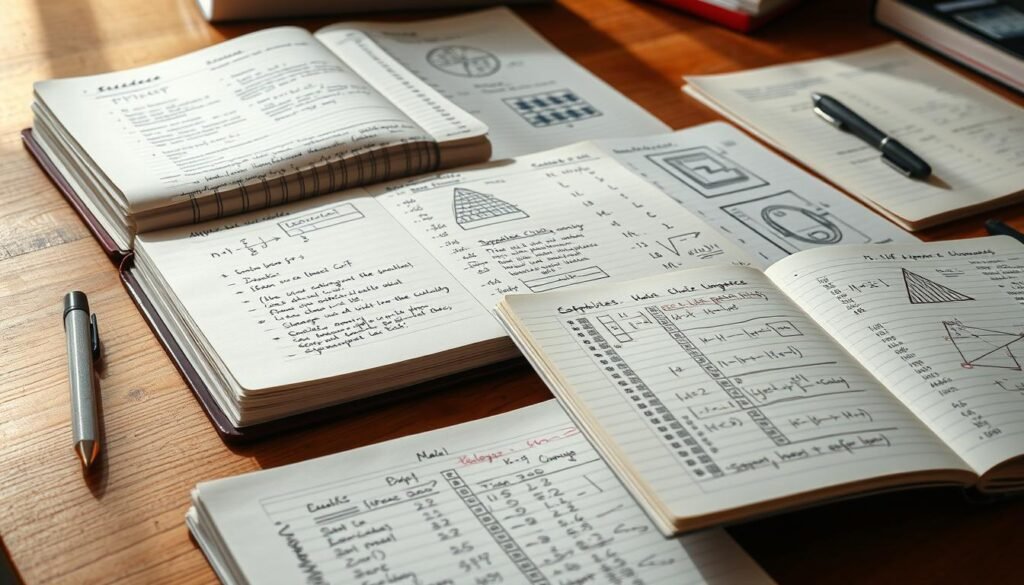
Higher Secondary Notes are special study tools. They make learning easier by turning lectures and books into simple guides. These guides help students study fast and remember important facts for tests.
Good notes are easy to carry and use. They work without the internet and let you get back to your work easily. They mix the best of paper and digital tools, making studying quick and easy.
We focus on making notes easy to use. Notes can turn audio into flashcards and long texts into short summaries. Apps like RemNote or Notion help make this happen.
Subject coverage is key for good notes. Science notes have diagrams and videos to help remember lab work. Math notes have equations and handwriting recognition for solving problems. Literature notes have annotated texts and tags to track important ideas.
Notes that connect different subjects help a lot. Tools like Obsidian or OneNote let students link ideas across subjects. This makes studying and remembering easier.
| Subject | Key Note Features | Recommended Tools |
|---|---|---|
| Science | Embedded diagrams, videos, scanned lab reports, image annotation | GoodNotes, OneNote, Notion |
| Mathematics | Handwriting recognition, equation conversion, problem templates | Nebo, GoodNotes, OneNote |
| Literature & Languages | Annotated PDFs, searchable text, thematic tagging | Notion, Evernote, Apple Notes |
| Interdisciplinary | Bidirectional linking, tagging, folders, concept maps | Obsidian, Notion, OneNote |
Benefits of Using Free Notes

We use free notes to make studying cheaper and more efficient. Short, focused notes help students learn faster and understand better without spending a lot. This way, learning is affordable and connects us to great study materials.
Cost-Effective Learning
Many top note-taking apps offer free versions. Google Keep, Microsoft OneNote, Apple Notes, Obsidian, and Joplin have great free options. This means we don’t need to buy many textbooks or subscriptions.
Google and Apple give lots of free storage. Google Keep has 15GB, iCloud starts at 5GB, and OneDrive gives 5GB with OneNote. This lets students work offline without extra cost.
Tools like Notion and Obsidian are free for personal use. They offer advanced features without charge. But, there are paid options for extra features like automatic syncing or AI summaries.
Access to Diverse Resources
Free notes can hold many types of media. Students can turn lectures, YouTube videos, and course pages into study materials. This makes studying richer and more effective.
Being able to work with different apps is key. Integrations with Google Docs, calendar apps, and web clippers help organize study plans. This makes online resources useful for studying.
Special features help in many ways. Flashcards in RemNote, audio transcription in Coconote AI, and visual canvases in Heptabase or Obsidian Canvas help different learning styles. This makes learning more effective for everyone.
How to Find Quality Higher Secondary Notes

We show you how to find good notes that fit your study goals. Start with trusted sources, then check if the info is right. Tools can make long lectures short and easy to review.
Online Educational Platforms
Khan Academy and Open Educational Resources have great lessons and guides. We use them to get verified content and add to student notes.
Look for platforms that are easy to use, work offline, and sync across devices. Make sure they help you pass exams. Apps like RemNote, Notion, and Obsidian help organize content from many sources.
Make flashcards and summaries from long texts for quick study. This makes studying fast and easy, even when time is short.
Social Media and Community Resources
Student forums, Telegram groups, and subreddits share useful notes and summaries. Use web clippers like Evernote and Notion to save them. Then, check if they match the official syllabus.
Community resources are great but need to be checked. Look for sources, try practice problems, and make sure they match exam standards.
Working together on platforms like Notion and Dropbox Paper brings different views together. Use templates and track changes to keep everything reliable and up-to-date.
| Source Type | Strengths | Key Checks |
|---|---|---|
| MOOCs & OER (e.g., Khan Academy) | Structured curriculum, expert-created lessons, free | Match modules to syllabus, note learning outcomes, test examples |
| Note Apps (RemNote, Notion, Obsidian) | Tagging, linking, flashcard export, offline sync | Ensure backups, standardize formats, verify source links |
| Student Forums & Groups | Compressed summaries, peer tips, rapid updates | Cross-check facts, confirm citations, align with exam syllabus |
| Collaborative Platforms (Dropbox Paper, Notion) | Version history, templates, easy collaboration | Monitor edits, attribute contributors, validate content |
Recommended Websites for Free Notes

We find great online places for high school students to make study notes. These sites have videos, textbooks, and practice tests. You can make your own free notes for exams.
Khan Academy
Khan Academy is a top site for free learning. It has video lessons and practice in math, science, and humanities. We make notes from videos, save texts, and organize exercises.
Turn Khan Academy lessons into notes with apps like OneNote or Notion. Set clear goals, add times, and keep a practice log. This helps you track your progress.
Make flashcards and active-recall prompts with Khan Academy content. Use apps like Anki or RemNote to help remember for exams.
Open Educational Resources
Open Educational Resources include open textbooks and government sites. These materials are great for study notes.
Use apps like GoodNotes, Notion, or Evernote to mark up OERs. Make notes searchable. Tag by topic and syllabus for exam prep.
Use OERs with AI tools like Notion AI or Mem for quick notes and practice questions. Check each OER for accuracy and match with Indian high school syllabi.
Subject-Specific Notes Available
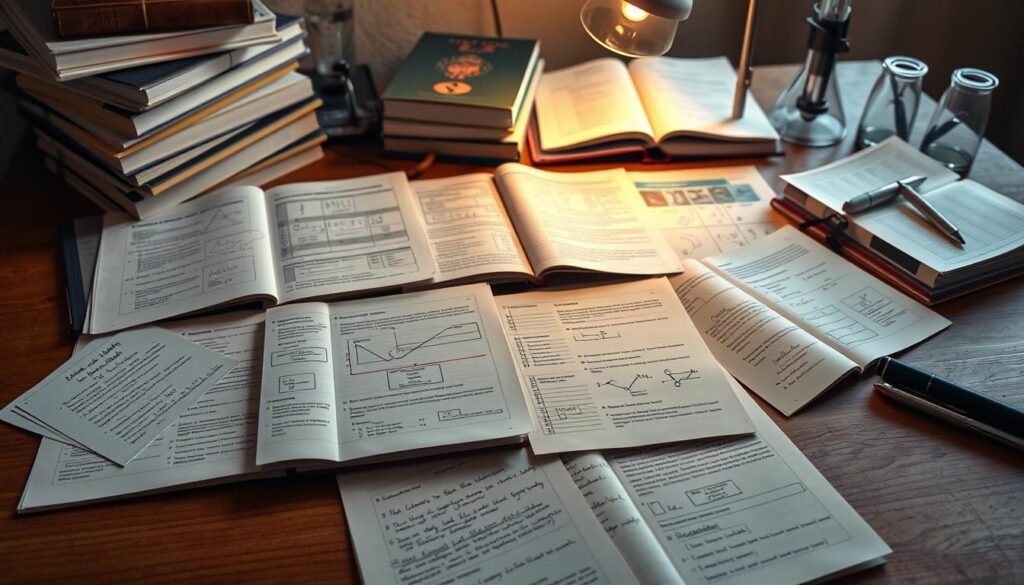
We offer special study materials for each subject. These notes help you make and check your study plans. We suggest tools and ways to learn that work well in class and for exams in India.
Science Notes
Our science notes use text, diagrams, and videos to explain experiments and theories. Tools like GoodNotes, OneNote, and Notion let you add photos, mark up PDFs, and draw diagrams. This helps you remember better.
Platforms like RemNote and Coconote turn lectures into flashcards and transcripts. This makes it easier to review. Heptabase and Obsidian Canvas help you create visual maps of science concepts. This makes studying faster.
Math Notes
Our math notes focus on examples and step-by-step solutions. Nebo, GoodNotes, and OneNote recognize handwriting and equations. This turns your notes into text you can search.
Keep formula sheets, practice questions, and revision logs in OneNote or Notion. Obsidian makes it easy to link problem pages and logs. This helps you practice deeply.
Literature Notes
Literature notes are all about the text. Use tools like annotated PDFs, Evernote, Notion, and Apple Notes for summaries and analyses. Obsidian and Notion let you tag and track changes. This helps you create a personal study guide.
Use RemNote or flashcards for quick recall of important quotes and themes. These cards make long analyses easy to remember for class and exams.
| Subject | Recommended Tools | Best Practice |
|---|---|---|
| Science | OneNote, GoodNotes, Notion, RemNote, Heptabase | Combine diagrams, lab images, and flashcards; map concepts with canvas tools |
| Math | Nebo, GoodNotes, OneNote, Obsidian | Use handwriting-to-text for equations; maintain worked examples and revision logs |
| Literature | Evernote, Notion, Apple Notes, Obsidian, RemNote | Build annotated summaries and tagged indexes; convert analyses into revision cards |
Tips for Effective Note-Taking

We want every minute of study to count. Short, focused strategies help turn loose study materials into clear, usable revision notes. Below we outline practical steps for organizing information and using visual aids so your notes work harder during exam prep.
Organizing Information
Start with a simple folder-and-tag system. Use apps like Evernote, OneNote, or Google Keep to capture quick points. Move detailed content into Notion or Obsidian for long-term structure.
Keep a consistent naming scheme: syllabus code, topic, and exam marker. That makes retrieval fast when you need revision notes under time pressure.
Adopt bidirectional links in Obsidian or Roam Research to map concepts. Linking builds a personal knowledge base useful for projects and entrance exam prep.
Using Visual Aids
Create mind maps and diagrams to turn complex ideas into memorable structures. Tools such as Heptabase and GoodNotes support canvas-style layouts that speed recall.
Embed short videos or audio summaries. Capture lectures and convert them into flashcards or short transcripts. Multimedia helps preserve nuance that raw text can miss.
Pair visuals with spaced-repetition systems like RemNote. Combine diagrams with active-recall practice to boost retention when you review study materials and revision notes.
| Strategy | Tools | Benefit |
|---|---|---|
| Quick capture | Google Keep, Apple Notes | Fast entry; reduces lost ideas |
| Structured storage | Notion, OneNote | Searchable, syllabus-aligned archives |
| Knowledge linking | Obsidian, Roam Research | Maps concept relationships for deep learning |
| Visual mapping | Heptabase, GoodNotes | Transforms processes into memory hooks |
| Active recall | RemNote, Anki | Improves long-term retention of revision notes |
How to Utilize Notes for Exam Preparation
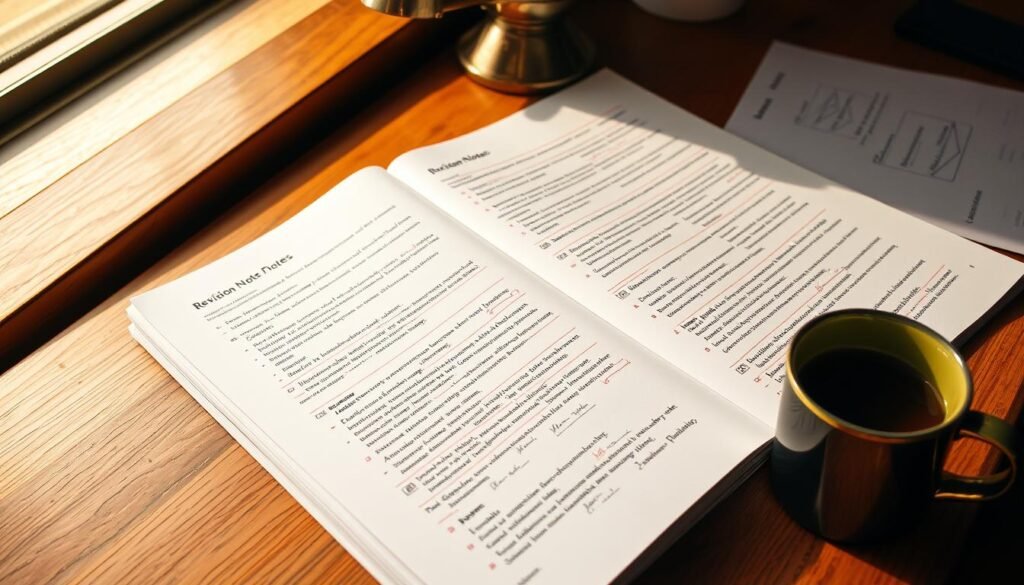
We have a plan for exam prep: make study material easy to use. Good notes are key. They help us focus and connect to more resources. Here are steps for busy people and digital users.
Make study material easy to use. Summaries and flashcards help remember things better. Tools like RemNote or manual cards are great for this. When time is short, AI tools in Notion or Mem can help a lot.
Revision Strategies
Make a study plan: set reminders for short study times. Use Google Calendar with OneNote or Notion to schedule. Agenda Notes help plan big topics.
Organize notes like the syllabus. Use OneNote’s ringbinder or Notion databases. This makes tracking progress easy.
Use both active and passive study methods. Read summaries and then test yourself with flashcards. Study a little each day to remember better. Keep important resources like syllabi and past papers with your notes.
Practice Questions
Keep practice questions in OneNote, Notion, or Obsidian. Store solved examples and common mistakes. Tag by topic and difficulty for better practice.
Make quizzes from lectures and notes. Tools like Coconote AI and RemNote can help. Quizzes help you remember and find what you don’t know.
Share mock tests with friends on platforms like Dropbox Paper or Notion. This way, you can learn from each other. Tracking your progress together helps everyone.
| Task | Tool/Method | Benefit |
|---|---|---|
| Summarize long notes | RemNote, Notion AI, manual flashcards | Creates concise revision notes for faster review |
| Schedule reviews | Google Calendar + OneNote, Agenda Notes | Ensures consistent revision strategies and time management |
| Organize by syllabus | OneNote ringbinder, Notion databases | Aligns study material with exam topics for targeted study |
| Maintain practice sets | OneNote, Obsidian, Notion | Builds a repository of practice questions and solutions |
| Auto-generate quizzes | Coconote AI, RemNote | Converts lectures into active practice for better recall |
| Collaborative testing | Dropbox Paper, Notion shared pages | Standardizes difficulty and tracks group progress |
Combining Notes with Study Groups
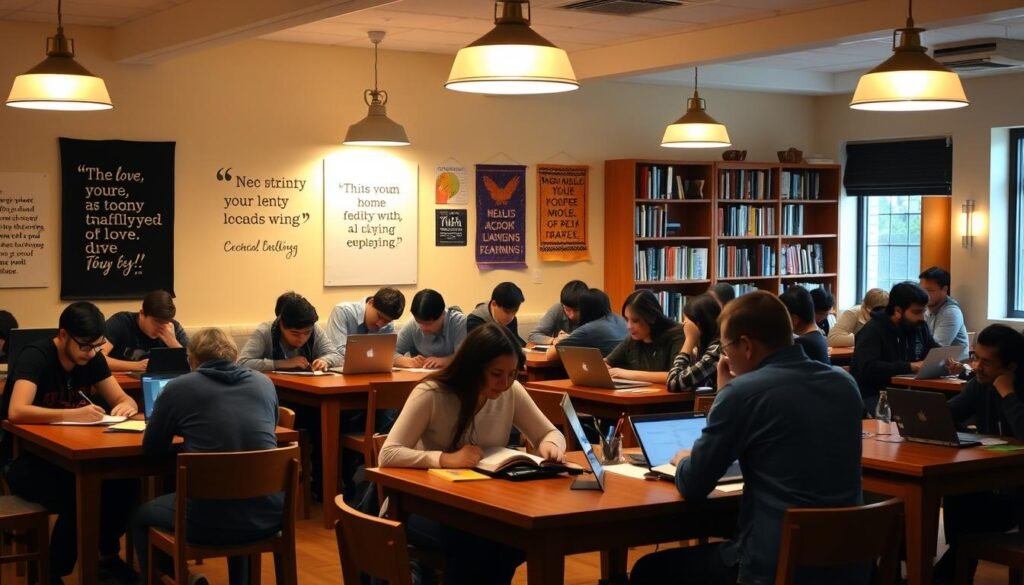
We look at ways to mix personal notes with group work. This helps remember things better and cuts down stress. We share tools, roles, and routines for students in India to work well together.
Advantages of collaborative learning
Tools like Google Docs, Notion, and Dropbox Paper let us edit notes together. We can see who changed what and when. This makes it easy to go back to old versions.
When we review each other’s notes, we all learn more. Classmates help find mistakes and add more information. Flashcards and quizzes from RemNote or Quizlet help us remember faster.
Everyone brings different things to the table. We share PDFs, videos, and links to learn more. This makes our study materials better for exams.
Finding study partners
Look for groups on campus, class chats, and online forums. Reddit and Telegram are good places to start. Pick a place to work together, like Notion or Dropbox Paper, and organize it well from the start.
For groups online, use apps like OneNote or Google Keep for notes. Set up a calendar for weekly meetings. This way, everyone can catch up easily.
Make rules to keep things organized. Choose who does what, like who writes questions. Use version control to avoid mistakes. This keeps everyone’s work good and on track.
- Collaborative learning broadens our views and tests ideas.
- Together, we can make study materials better by combining our strengths.
- Online resources help fill in gaps and add variety to our studies.
The Role of Mobile Apps in Accessing Notes
We use mobile apps to organize our notes. They help us keep studying on the go. The right app makes it easy to find what we need.
Note-Taking Applications
Look for apps that fit your study style. Apps like OneNote and Evernote are great for quick notes. They work on many devices.
For offline notes, try Obsidian and Joplin. They keep your notes safe. Nebo and GoodNotes are good for writing and drawing.
Standard Notes is great for keeping your notes safe. Mem and Notion help you find your notes fast. RemNote and Coconote AI make studying easier with flashcards and audio.
When choosing apps, look for easy use and fast notes. OneNote and Google Keep are easy to use. Notion and Obsidian are good for big projects.
Studying on the Go
We use apps for quick study breaks. Google Keep and Simplenote are good for quick notes. Notion and OneNote help with longer study plans.
Apps that work offline are very useful. Obsidian, Joplin, and OneNote let you study without internet. This keeps your notes ready when you need them.
Mobile reminders help you study in short times. They make studying easier and more effective. This way, you can study anywhere, anytime.
How to Create Your Own Higher Secondary Notes
We start by making learning easy and fun. First, jot down ideas quickly. Then, organize them in a way that makes sense.
Use a three-layer system: an inbox, notebooks, and a knowledge base. Google Keep or Simplenote are great for quick notes. OneNote or Notion for organizing, and Obsidian for linking.
Turn notes into short summaries and revision materials. Make flashcards and bullet points for lectures. For science, add examples and solutions. For humanities, keep annotated texts and quotes.
Structuring Your Notes
Use tags, folders, and sections that match your exams. Make daily notes and checklists. GoodNotes and Notion have templates to help.
Include diagrams and formula sheets for science and math. Use timelines and character maps for literature. Export notes in markdown for easy sharing.
Best Practices for Personalization
Make templates that fit your study style. Use flashcards for key ideas. Schedule reviews to help remember.
Keep notes easy to find with clear headings and tags. Export them in PDF or markdown. This way, your notes stay useful over time.
| Step | Tool Examples | Result |
|---|---|---|
| Quick capture | Google Keep, Simplenote | Immediate idea capture for later processing |
| Topic organization | OneNote, Notion | Structured notebooks aligned with syllabus |
| Knowledge base | Obsidian, Typora | Interlinked notes for long-term retention |
| Revision conversion | Notion AI, Mem | Concise revision notes and summaries |
| Active recall | RemNote, Anki | Flashcards for spaced repetition |
| Portability | Markdown, PDF export | Searchable, future-proof learning material |
Feedback and Updates on Free Note Resources
We watch how students and teachers rate tools and guides. This way, updates to educational guides and online resources get to classrooms quickly. Feedback helps us find good tools and improve the ones that need it.
User reviews on app stores and review sites tell us a lot. Ratings for GoodNotes, Apple Notes, Bear, and Standard Notes show how well they work. We use these scores to see if a tool is ready for use.
Testing tools ourselves is important. We check if they can convert handwriting, summarize text with AI, and sync across devices. We also see how well they work on different platforms and what users really think.
What students say is very helpful. They tell us about tools like RemNote’s flashcards, Coconote AI’s transcription, and Obsidian’s security. This helps us suggest tools that meet different study needs.
Keeping up with changes is key. We follow release notes and developer blogs for tools like Microsoft Copilot and Notion AI. New features and updates are common, and we let educators know about them.
We suggest making backups and using open formats like Markdown. Tools like Obsidian and Joplin let you store notes safely. This way, you can keep your notes even if a tool changes its policy or price.
For exams in India, we watch for updates from the boards. We make sure our notes and tags match the latest syllabus. Regular updates keep your study materials ready for exams.
| Source | What to check | Action |
|---|---|---|
| App Store / Google Play / G2 / Capterra | Overall ratings, review trends, crash reports | Prioritize apps with consistent 4+ stars and recent positive reviews |
| Editorial tests | Feature verification: handwriting OCR, AI summarization, sync | Use trial periods to test claimed features across devices |
| Student testimonials | Learning-focused metrics: flashcards, audio accuracy, privacy | Match tools to study habits: analytics for memorization, transcription for lectures |
| Developer release notes | New features, security patches, pricing changes | Subscribe to updates and schedule reviews after major releases |
| Local exam boards in India | Syllabus changes, exam formats, recommended materials | Update templates and tags; issue exam-specific study packs |
Conclusion: Enhancing Your Learning Experience
We showed you how to use free resources for exams and making good Higher Secondary Notes. Use apps like OneNote, Apple Notes, and Google Keep to jot down ideas quickly. Then, use tools like Obsidian, Notion, or Simplenote to organize them well.
This way, you can quickly write down ideas and then make them into solid study materials for exams.
Embracing Free Resources
Choose tools that work on all devices and offline. Platforms like RemNote, Coconote AI, Heptabase, and GoodNotes are great for students. They help with flashcards, typing out notes, and making visual study spaces.
Follow a simple plan: write down ideas fast, then make summaries and practice recalling them. This makes your Higher Secondary Notes better and helps you remember more.
The Future of Higher Secondary Education
AI will change education by making summaries, searching, and creating flashcards easier. Students who use these tools will learn faster and remember more. We should all work to make learning open and fair in India.
If you need help with your notes or want to improve education, call us at +91 8927312727 or email info@nextstep.ac. We want to make education better with creativity and new ideas. Let’s create great study materials together.